

Fill it fast
Click Read my website. In about a minute, VidGuy reads your site and fills in the empty parts. It keeps anything you already wrote. At the top, Your Brain is missing shows what’s still empty, like Who buys, Your edge, Personas, Competitors, a demo video, example ads or a deck. Click one to add it.What you can add
- Identity: What you do and how you talk about it.
- Positioning: Who buys, your edge, your selling points, your personas and your competitors.
- Files and links: Drop in videos, decks and documents, or paste a link to a pricing page, a review or a case study. VidGuy watches the videos and reads the documents.
- Brand Kit: Your colors, logo, fonts, Brand voice, Visual direction, plus Always do and Never do rules. Click Analyze Website to fill it in, then Save kit.
- Playbook: A longer guide in Markdown, like how you run your content.
- Documents: Reference material like price sheets, product specs and voice guides.
- Facts & rules: Things VidGuy must always follow. Pin the most important ones.
What VidGuy learns on its own
As you chat, VidGuy picks things up, like a product name it got wrong or a tone you prefer. These show under Learned memories. Fix or delete anything there, and your fix sticks.Map and List
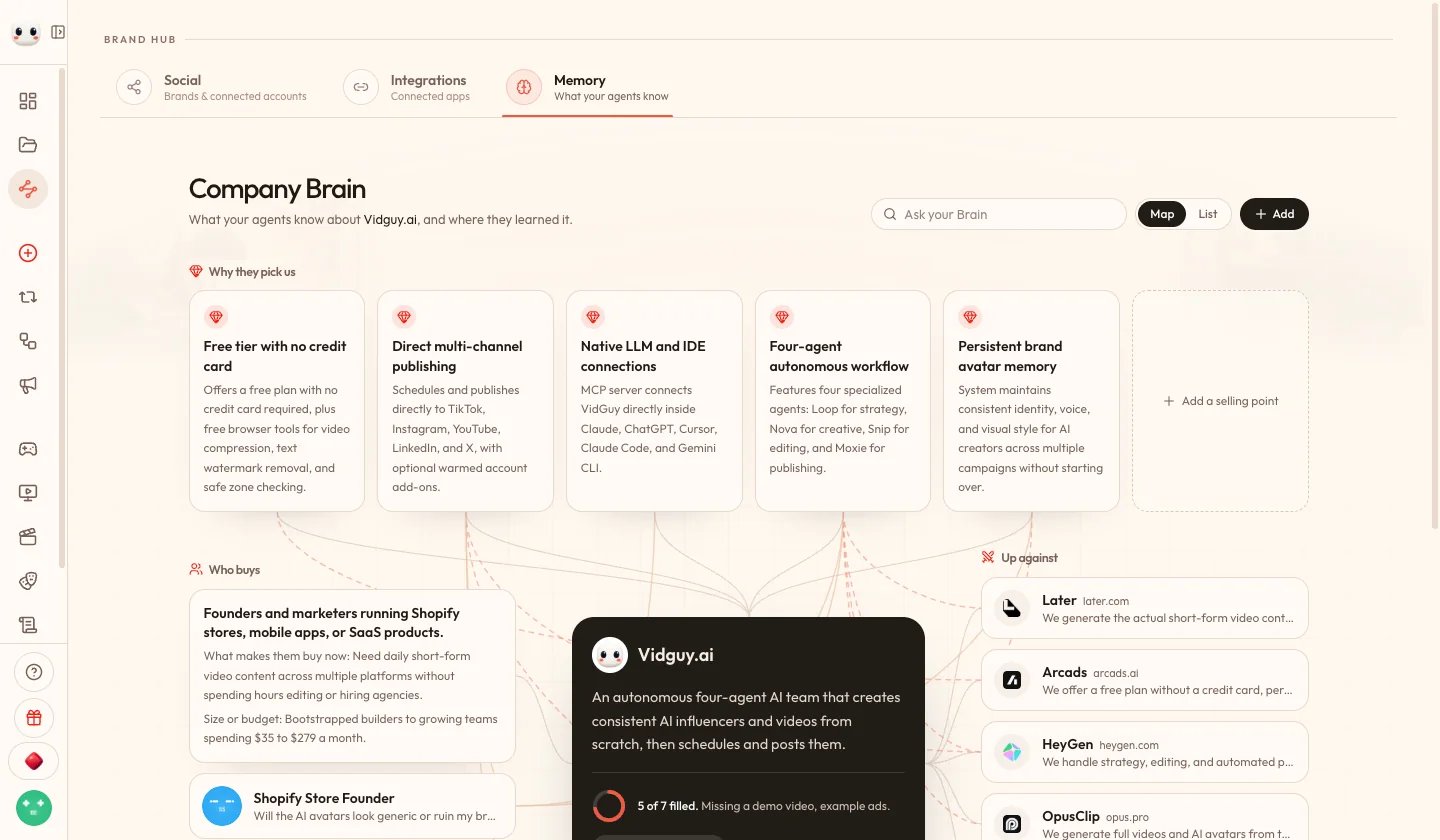
The Company Brain in Map view.