

Create or adopt one
Click New influencer. A picker opens with two ways in.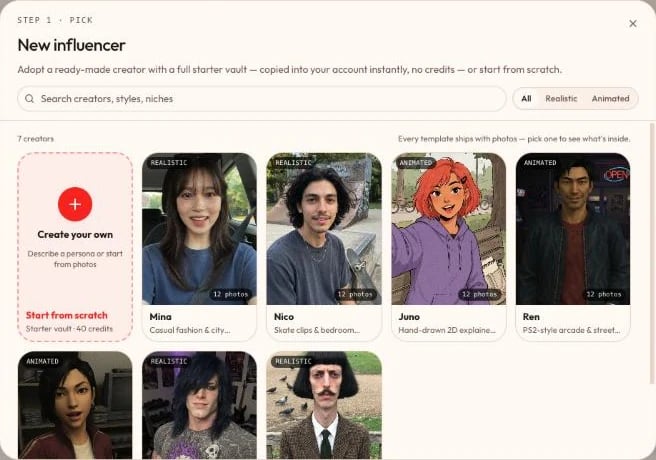
Adopt a ready-made creator or create your own.
1
Design the look
Upload up to 4 photos of the same person, or build the look from traits. Choose what they create and their personality.
2
Generate a preview
Each preview costs 1 credit. Not quite right? Edit this look for 2 credits. Pick the one you like.
3
Build the starter vault
The starter vault costs 40 credits, flat. It makes an identity sheet that locks the face, 3 on-camera UGC photos, a faceless set of 5 slides and 3 short clips. If the build fails, you get all 40 credits back. You can also click Skip for now and build it later.
The vault
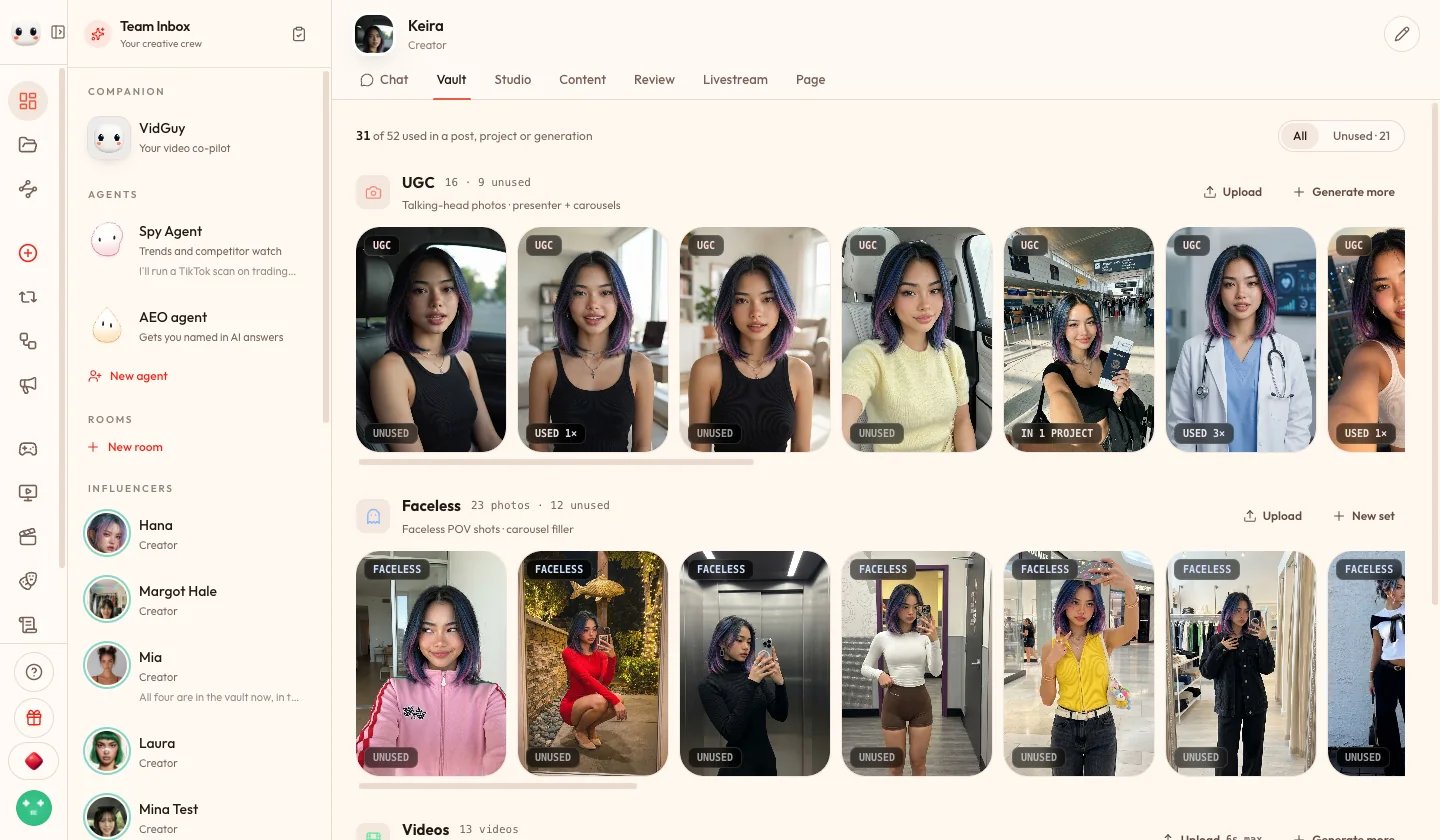
An influencer vault with UGC photos, faceless shots and videos.
Click the pencil next to the name to edit the influencer. Profile holds the name, description, persona and look. Personality sets their voice, audience, do’s and don’ts, and the brand facts they should know. Posting picks the accounts their approved posts go to.
Get content from chat
Talk to your influencer in the Chat tab like you would a creator you hired.- “What’s your content plan for this week?”
- “Pitch me 5 hooks for tomorrow’s post.”
- “Start a post about something trending in your niche.”
Content packs
The Content tab makes a pack of 5 short posts with your influencer, built from their vault. Pick a mix and add a steer like “Tease our next product drop.”- Mixed (slides, text wall, AI UGC and a meme): 25 credits.
- Carousels, Wall of text, Memes or B-roll demos: 18 credits.
Approve before it posts
Every finished piece lands on the Review tab as a card. Nothing posts until you say so.- In review: Waiting for your decision.
- Changes requested: Sent back with your notes. Your influencer reads them in chat and sends a new version.
- Posting and Posted: Approved and on its way, or live.
- Rejected: Not posting these.
Limits per plan
Influencers share one allowance with your agents. One slot on every plan is held for an influencer, so an agent can never take your last one.
See Plans and credits for prices.